Cart review on a website is a process where users can review and edit the items they have added to their shopping cart before making a purchase. It provides an opportunity for users to confirm the details of their order, including product quantity, price, and shipping information, before proceeding to checkout.
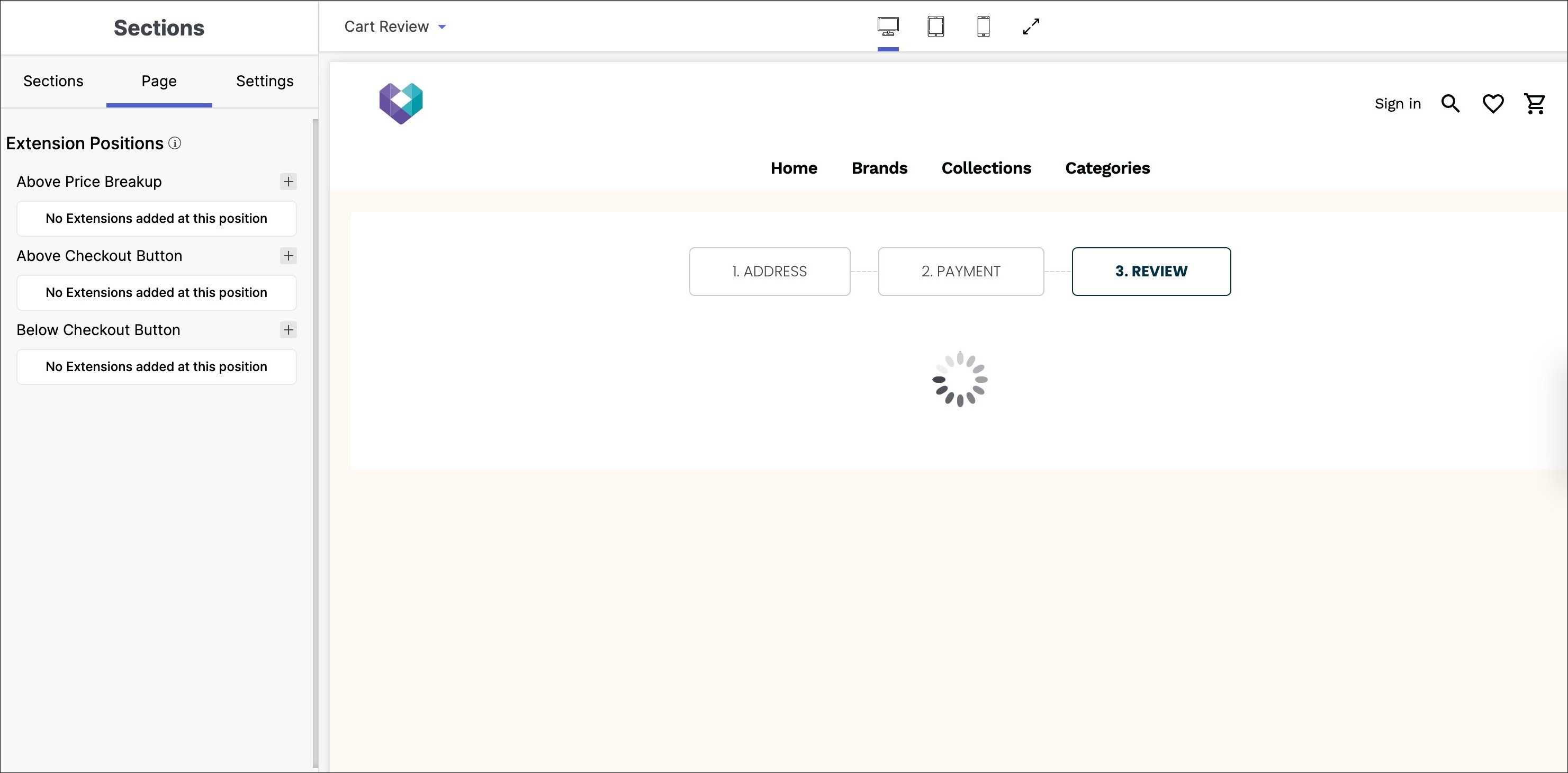
How to access Cart Review in your website?
Below are the steps to access Cart Review page:
- Select Cart Review from dropdown menu.
- Pop-up window appears with cart review section.
- Customise subsections in Cart Review page.
Below are the configurable options of the Cart Review page:
1. Extension Positions
The extension positions in the extension section of a website refer to the specific locations or areas on a web page where browser extensions or add-ons can be displayed or integrated.
Below the extension positions section, click on the ‘+’ button to add an extension:
- Add extension (e.g. Above Price Breakup, Above Checkout Button, Below Checkout Button).
- Save the added extension.
- Users can repeat the process to add other extensions.