Order status on a website is a feature that allows customers to track the progress of their orders from the time they are placed until they are delivered. It provides customers with real-time updates on the status of their orders, such as when it has been shipped or delivered.
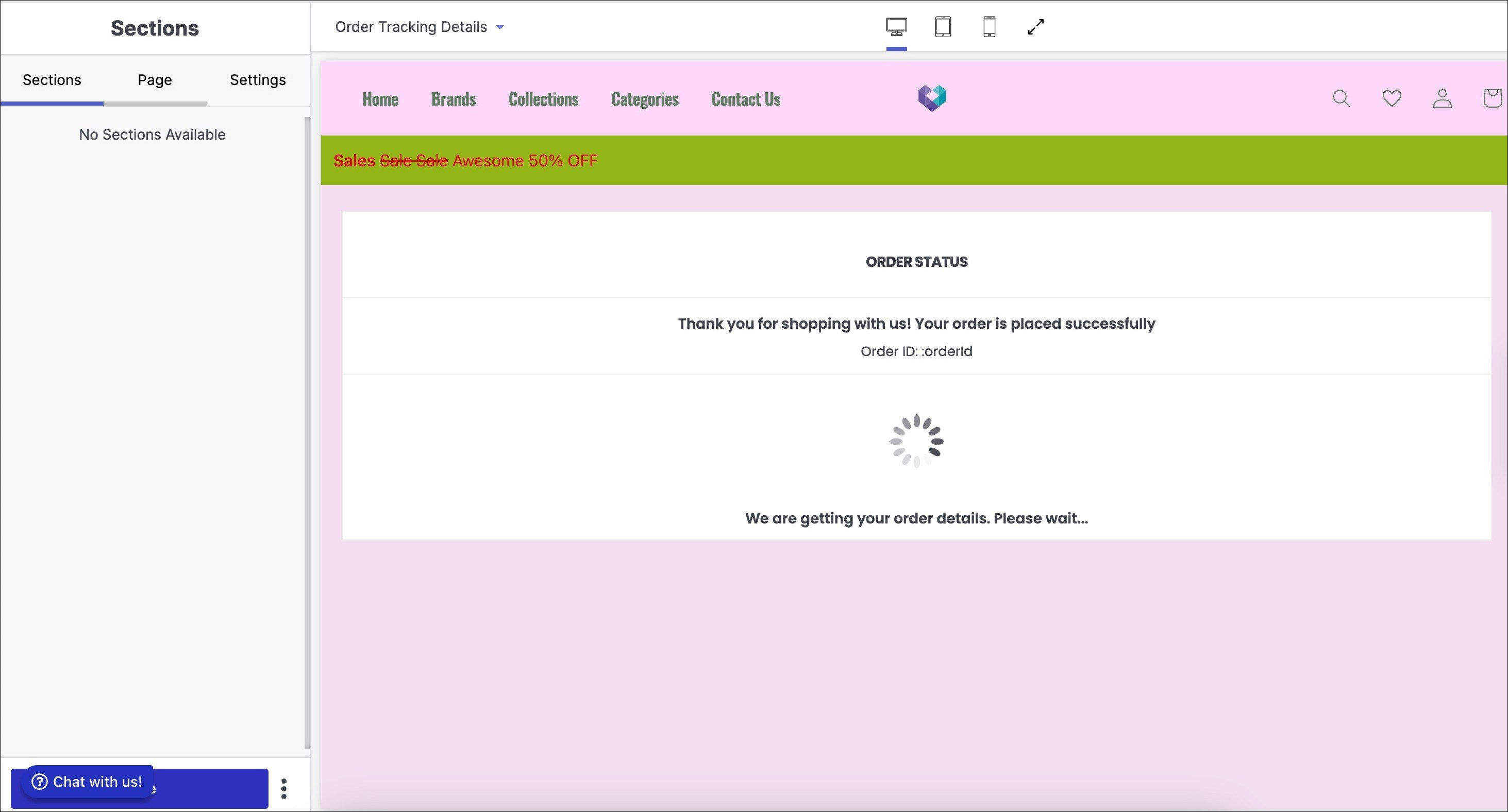
How to access Order Status page in your website?
Below are the steps to access Order Status page:
- Select Order Status from dropdown menu.
- Pop-up window appears with order status section.
- Customise subsections in Order Status page.
Below are the configurable options of the Order Status page:
Extension Positions
The extension positions in the order status section of a website refer to the specific locations or areas on a web page where browser extensions or add-ons can be displayed or integrated.
Below the extension positions section, click on the ‘+’ button to add an extension:
- Add extension (e.g. Below Price Breakup, Below Shipment List).
- Save the added extension.
- Users can repeat the process to add other extensions.