A "Login" page on a website allows users to login to the website and view and update their personal information, such as their name, email address, password, and other account details. This page typically includes a form with fields that users can fill out and submit to make changes to their profile.
How to access Login page in your website?
Below are the steps to access Login page:
- Select Login from dropdown menu.
- Pop-up window appears with login section.
- Customise subsections in Login page.
Below are the configurable options of the login section:
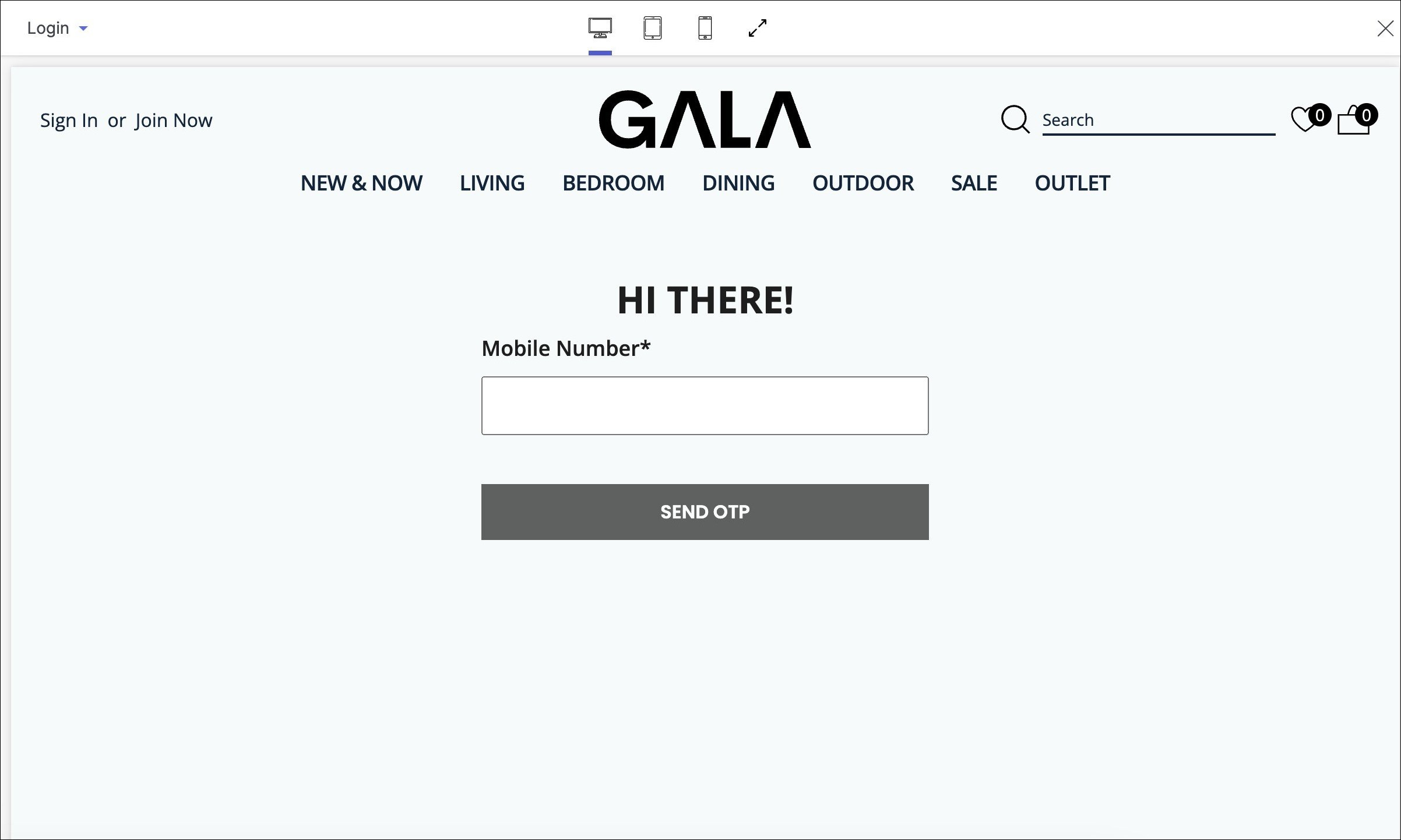
1. Mobile Number
Enter your registered mobile number for verification and proceed with OTP to edit your profile.
Note: Upon logging in to the website, you will also be able configure:
- Profile Address
- Wishlist